
|
xtd
1.0.0
|
Loading...
Searching...
No Matches
toggle_light.cpp
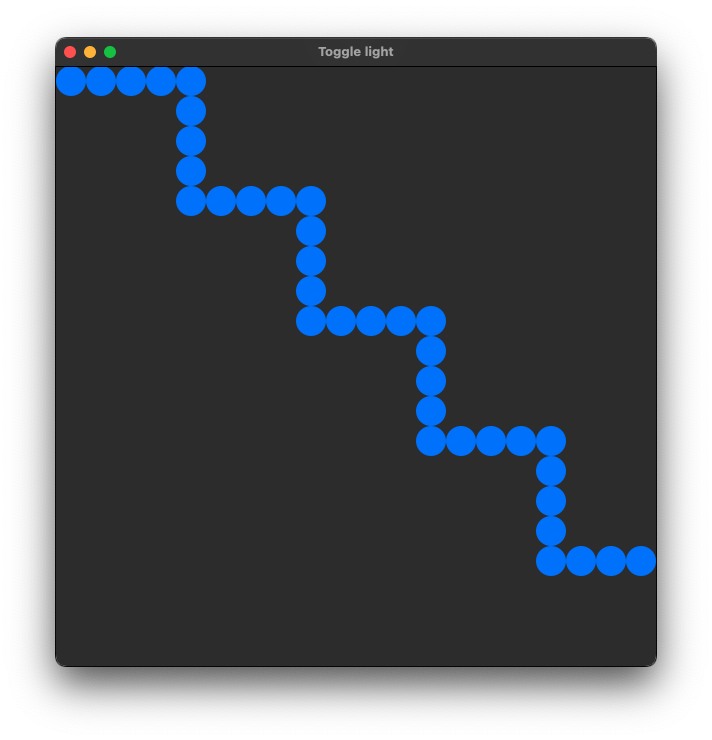
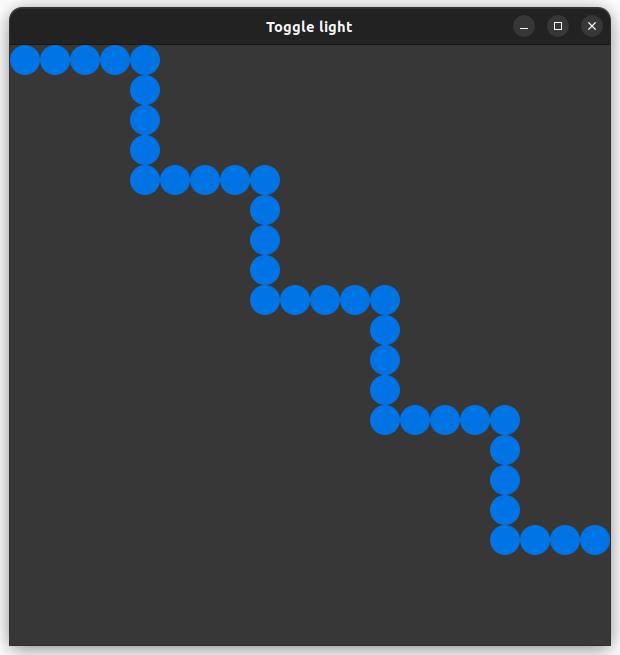
demonstrates how to create a custom control with xtd::forms::user_control control.
- Windows
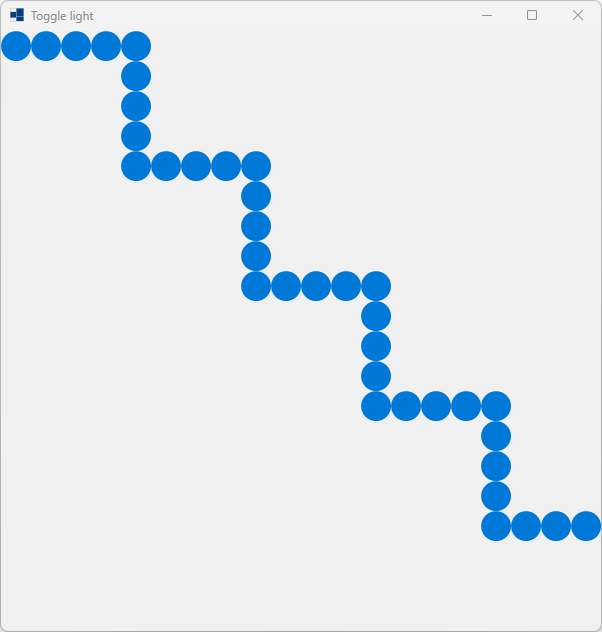
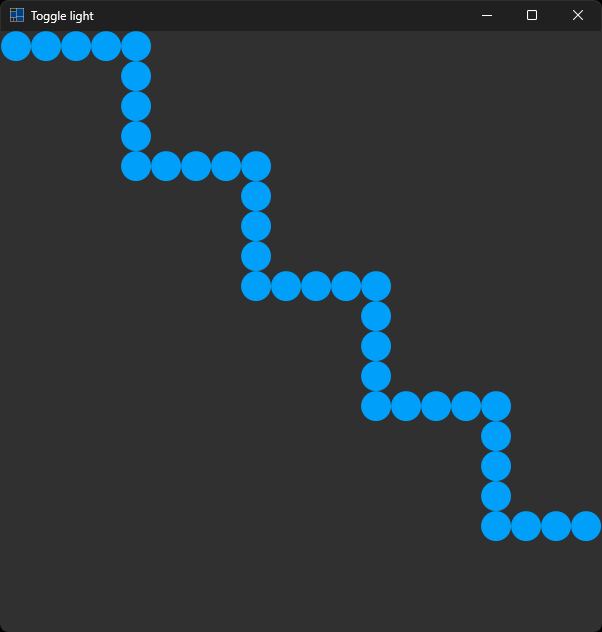
- macOS

- Gnome

#include <xtd/xtd>
namespace toggle_light_example {
class toggle_light : public user_control {
public:
toggle_light() = default;
protected:
auto on_mouse_enter(const event_args&) -> void override {
on = !on;
invalidate();
}
auto on_paint(paint_event_args& e) -> void override {
e.graphics().fill_ellipse(on ? system_brushes::accent() : system_brushes::control(), e.clip_rectangle());
}
private:
bool on = false;
};
class main_form : public form {
public:
main_form() {
text("Toggle light");
client_size({600, 600});
controls().add_range(toggle_lights);
resize += [this] {
auto step_x = as<int>(client_size().width / toggle_lights.get_length(0));
auto step_y = as<int>(client_size().height / toggle_lights.get_length(1));
for (auto x = 0; x < as<int>(toggle_lights.get_length(0)); ++x)
for (auto y = 0; y < as<int>(toggle_lights.get_length(1)); ++y)
// before C++23 : toggle_lights(x, y).bounds({x * step_x, y * step_y, step_x, step_y});
toggle_lights[x, y].bounds({x * step_x, y * step_y, step_x, step_y});
};
}
private:
array<toggle_light, 2> toggle_lights = array<>::create_instance<toggle_light>(20, 20);
};
}
auto main() -> int {
application::run(toggle_light_example::main_form {});
}
Generated on for xtd by Gammasoft. All rights reserved.